How It Works
Simple steps to get started with Maseno Every Finder. Choose your role and follow the guide.
Simple steps to get started with Maseno Every Finder. Choose your role and follow the guide.
Download the app and create your account using your student email. Complete the verification process.
Use the search and filter options to find items you're interested in. Save favorites for later.
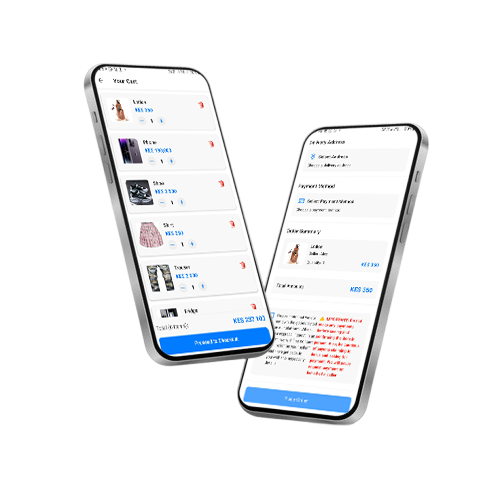
Submit your order through the app. Our admin team will review it and connect you with the seller.
Once connected, arrange a meeting with the seller at a safe location to inspect the item.
After inspecting the item, make the payment directly to the seller upon delivery.
Always meet in public places and verify the identity of the person you're dealing with.
Take clear, well-lit photos of items from multiple angles to attract buyers.
Be prompt and professional in your communications to build trust.